Where Do Steam Depot Downloads Go? Find Every Folder
A practical map of Steam console and DepotDownloader output paths, plus the checks that explain why a completed download may not appear in your normal game library.

On this page
- Where Do Steam Depot Downloads Go? Check These Two Paths First
- Where Steam Console download_depot Files Go
- Where DepotDownloader Saves Downloaded Depots
- Why the Files Are Not in steamapps/common
- Downloaded but Missing? Use This Search Order
- How to Change the Download Location Safely
- Frequently Asked Questions
Where do Steam depot downloads go after download_depot or DepotDownloader finishes? The result may be complete but stored outside the normal installed-game folder. Raw depot downloads are working files and are not automatically registered as a playable Steam library entry.
The exact root depends on the method, the Steam library that handled the request, and any custom output option. AppID and DepotID become numeric folder names, so an unfamiliar numbered folder may be the correct destination.
Keep the files separate from a working installation until you verify versions and required depots. Copying old or partial content over a current game can create a mixed build and trigger verification or redownloads.
Where Do Steam Depot Downloads Go? Check These Two Paths First
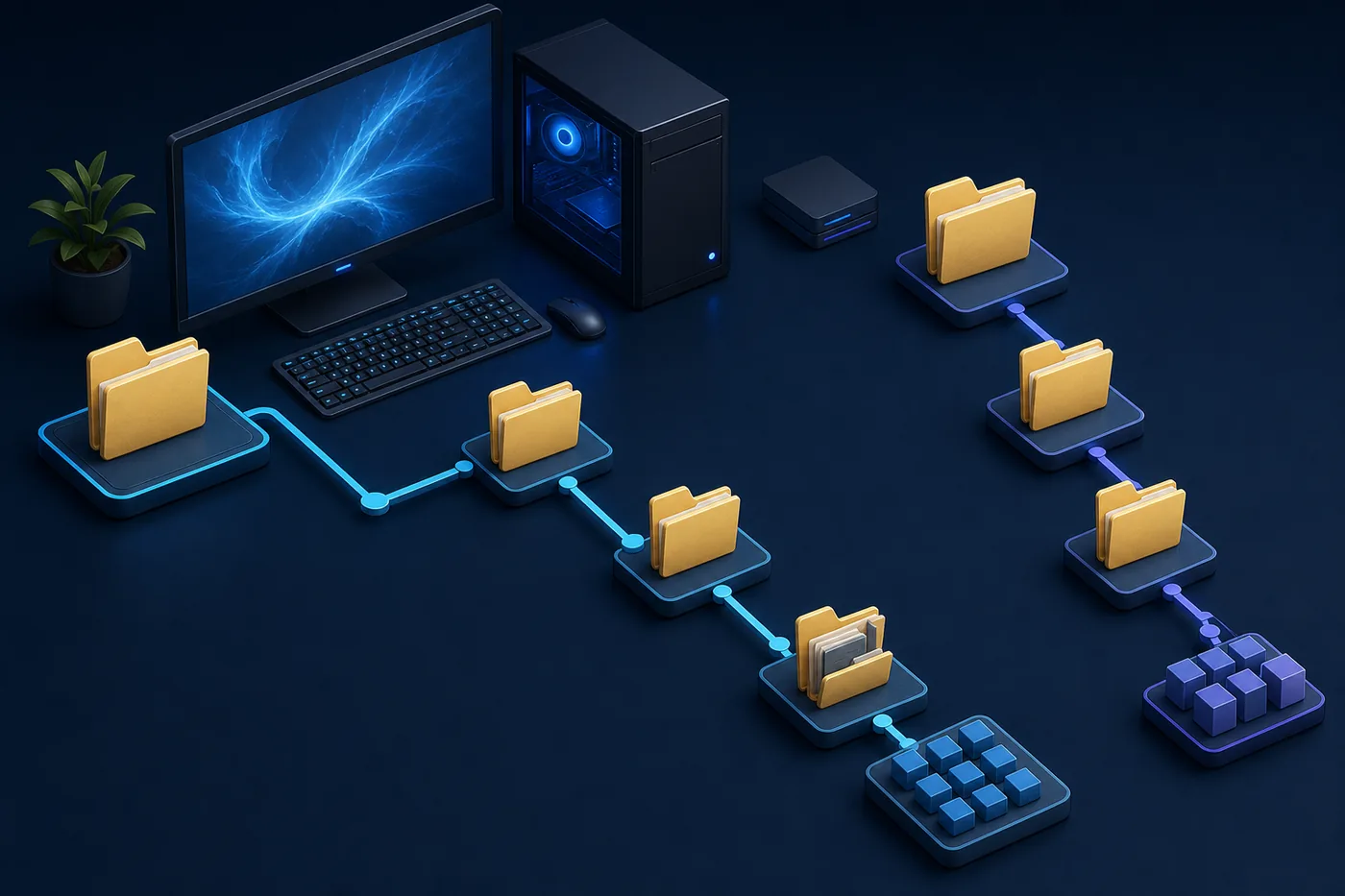
First identify the tool. Steam console output stays under a Steam library, while DepotDownloader can be placed anywhere and follows its working directory or explicit output option.
If you have several Steam libraries, the C: drive may be wrong. Search every drive for app_<AppID>, depot_<DepotID>, or the numeric DepotID.
Before searching, copy the AppID and DepotID from the command or log. Those two numbers are more reliable than the game name because raw output folders usually use numeric identifiers. Also note the time the command finished, the approximate downloaded size, and the drive that had enough free space. These clues quickly separate the correct folder from an older attempt or an unrelated depot.
| Method | Typical relative path | Purpose |
|---|---|---|
| Steam console | steamapps/content/app_<AppID>/depot_<DepotID> | Raw depot output |
| DepotDownloader | depots/<DepotID> or chosen output | Standalone tool output |
| Normal install | steamapps/common/<GameName> | Steam-managed game |
| App record | steamapps/appmanifest_<AppID>.acf | Local metadata |
Where Steam Console download_depot Files Go
Valve's Steam console documentation places output under steamapps/content. The application folder is app_<AppID>, and the nested depot folder is depot_<DepotID>.
Save the final completion message because it may reveal the exact root. download_depot retrieves depot content; it does not create a normal game entry or guarantee one depot contains the complete game.
On Windows, the default library is often under Program Files, but many users keep large games on D:, E:, or an external SSD. Open Steam storage settings to list every configured library, then inspect each library root for steamapps/content. The installed game and the downloaded depot do not have to be on the same drive.
On Linux and Steam Deck, start from the active Steam library rather than copying a Windows path literally. The important part is the relative structure after the library root: steamapps/content/app_<AppID>/depot_<DepotID>. Hidden home directories and multiple storage devices can make a global DepotID search more practical.
<SteamLibrary>/steamapps/content/app_<AppID>/depot_<DepotID>/
Where DepotDownloader Saves Downloaded Depots
DepotDownloader is standalone. A common output is depots/<DepotID>, but an explicit directory option overrides that default.
Check the exact command, terminal history, shortcut working directory, batch file, or script. The same executable launched from another folder can produce another relative output root.
Relative paths are resolved from the process working directory. If a launcher, PowerShell script, scheduled task, or desktop shortcut changes that directory before starting DepotDownloader, the depots folder can be far from the executable. Inspect the launch configuration instead of assuming the executable location is the working location.
For future downloads, prefer one absolute output path that is easy to recognize and has predictable permissions. This also makes free-space checks, backups, cleanup, and comparisons between manifests less error-prone.
- Read the final log and confirm completion.
- Check steamapps/content in every Steam library.
- Search for app_<AppID>, depot_<DepotID>, and the numeric DepotID.
- Review custom output options and the terminal working directory.
Why the Files Are Not in steamapps/common
steamapps/common contains client-managed installations. A raw depot may be historical, partial, language-specific, DLC, or server content, so it is kept apart.
An appmanifest_<AppID>.acf file records local library state; it is not the depot content. Avoid overwriting a live installation before comparing files and making a backup.
Downloaded but Missing? Use This Search Order
Confirm the command really completed. Account access, branch passwords, unavailable manifests, wrong IDs, permissions, or insufficient space can stop the download before a complete folder exists.
Use logs and timestamps rather than guessing. Check every Steam library, the custom output path, the terminal working directory, security software, and disk space.
If the log reports success but the folder size is much smaller than expected, check whether you requested only one depot, whether the game uses shared or language depots, and whether the selected manifest contains fewer files than the current build. A small folder is not always evidence of failure, but it is a reason to verify the IDs before copying anything.
- Read the final log and confirm completion.
- Check steamapps/content in every Steam library.
- Search for app_<AppID>, depot_<DepotID>, and the numeric DepotID.
- Review custom output options and the terminal working directory.
- Compare timestamps and free disk space.
- Fix access, IDs, branch rights, or manifest availability before retrying.
How to Change the Download Location Safely
For DepotDownloader, use one explicit dedicated output folder with enough space and keep it outside the active game installation.
Steam console output follows a library structure. If you move completed files, preserve app and depot folder names, copy first, verify size, and only then remove the original. Historical builds also require correct AppID, DepotID, ManifestID, and every required depot.
When moving a large completed depot between drives, copy rather than cut on the first pass. Compare total size and file count, open a few expected subfolders, and retain the source until the destination is confirmed. This avoids turning a path-cleanup task into another full download when an external drive disconnects or a transfer is interrupted.
| Method | Typical relative path | Purpose |
|---|---|---|
| Steam console | steamapps/content/app_<AppID>/depot_<DepotID> | Raw depot output |
| DepotDownloader | depots/<DepotID> or chosen output | Standalone tool output |
| Normal install | steamapps/common/<GameName> | Steam-managed game |
| App record | steamapps/appmanifest_<AppID>.acf | Local metadata |
Frequently Asked Questions
Where do Steam depot downloads go after download_depot finishes?
Usually under steamapps/content/app_<AppID>/depot_<DepotID> in the library used by Steam.
Why is the depot not in steamapps/common?
That folder is for the managed installed game; raw depot output is separated to avoid automatic overwrites.
Where is DepotDownloader output?
Often in depots/<DepotID> relative to its working directory, unless the command sets another path.
Can I move depot files into the game folder?
Only after verifying the complete matching set and backing up the current installation.
What if no folder exists?
Confirm completion, all libraries, custom output, working directory, disk space, permissions, IDs, branch access, and manifest availability.
Official and primary references
- Valve Developer Community - Steam Console — Documents download_depot and the steamapps/content output structure.
- Steamworks Documentation - Applications and Depots — Official background on how Steam applications are divided into depots.
- DepotDownloader GitHub Repository — Primary documentation for DepotDownloader options and output behavior.
Continue with the right workflow
After locating the files, use the matching guide for manifest IDs, DepotDownloader setup, or package availability.