AppManifest Steam Generator: How to Create and Check an ACF File
A practical guide to generating a readable appmanifest_<AppID>.acf starter file, checking its fields, and letting Steam verify the local library safely.


An AppManifest Steam Generator is useful when you need a clean, inspectable appmanifest_<AppID>.acf starter file for a local Steam library. The important word is starter: the file can help organize identity and install information, but Steam remains the system that validates ownership, content, depot state, and the final installed record.
That boundary matters because searches for appmanifest Steam generator, Steam manifest generator, and appmanifest ACF file often mix two different jobs. One job is creating a local text record. The other is finding depot manifests or a complete SteamTools package. This guide covers the first job and shows when to move to the site's AppID Finder, Manifest Finder, or download workflow instead.
The safest workflow is deliberately reversible. Confirm the AppID from a reliable store or lookup page, generate the file, inspect the plain text, back up any existing ACF, and let Steam rescan or verify the library. Do not treat a generated file as an official Valve file or as proof that missing game data has been restored.
What Does an AppManifest Steam Generator Create?
The generator creates a local text file named appmanifest_<AppID>.acf. It uses the Steam AppID as the identity anchor and can place basic values such as the display name, install directory, size placeholder, and state flag into the Valve-style key-value structure. The result is readable in a text editor and can be saved before you make any change to a Steam library.
This is different from a depot manifest. An appmanifest ACF describes local application state from Steam's point of view; a depot manifest belongs to Steam content delivery and records a particular depot version. A generated ACF cannot recreate missing depot chunks, invent a valid ManifestID, or make a DLC entitlement appear.
Use the generator when your task is to prepare or inspect the local application record. If your task is to locate a game number, check whether a package exists, or download depot-related files, use the matching page rather than stretching the ACF generator beyond its purpose.
| Input or output | What it is for | What it does not prove |
|---|---|---|
| Steam AppID | Identifies the exact app, edition, demo, tool, or DLC entry | That the account owns the app or that the ID is correct |
| appmanifest_<AppID>.acf | Stores a readable local application record | That the game files or depots are complete |
| Install directory | Connects the record to a folder below steamapps/common | That every file in the folder belongs to this AppID |
| StateFlags and size | Describe a local state that Steam may inspect | That Steam will accept the values without verification |
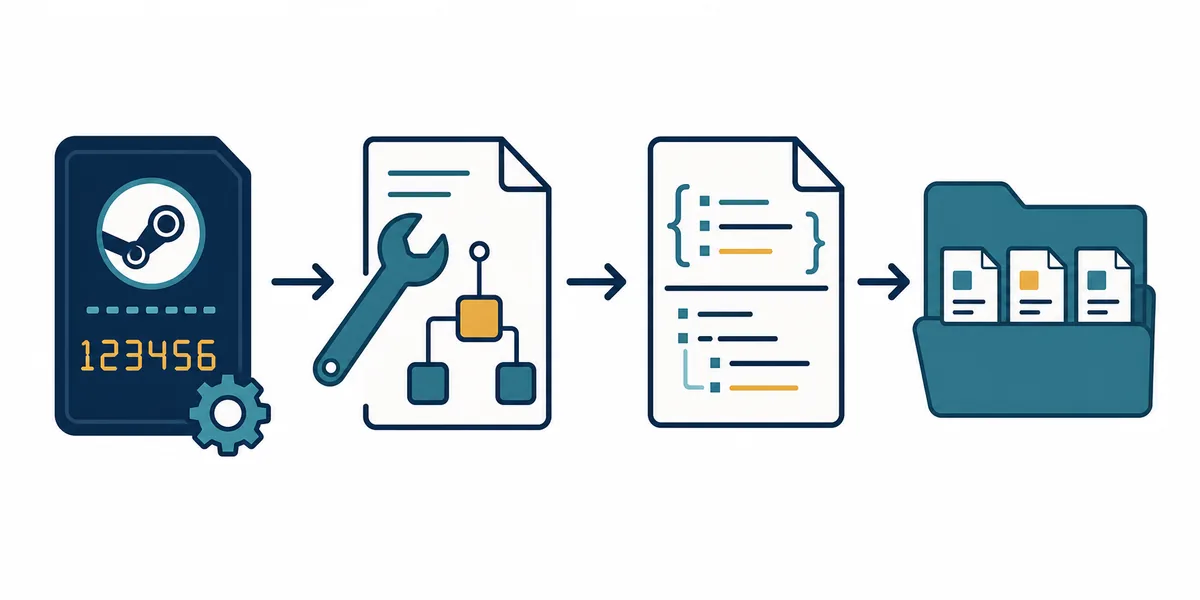
The generator prepares a starting point
The ACF is a local metadata record, not a license transfer, depot download, or guaranteed repair. Steam's own verification step is the finish line.
Fields to Check Before Saving the ACF File
Open the generated file as plain text before placing it in a library. You do not need to understand every Steam key to catch the most dangerous mistakes. Compare the filename, the appid value, the install directory, and the real folder on disk. If those identity fields disagree, stop before Steam has a chance to rewrite the library state.
Some fields are useful clues but should not be copied blindly from an old computer or a random mirror. StateFlags, buildid, InstalledDepots, LastUpdated, and SizeOnDisk can become stale after updates, drive moves, interrupted downloads, or verification. The safest generator output is transparent about which values are placeholders and which values must be refreshed by Steam.
For a first pass, focus on identity and location. A correct AppID with a matching installdir is more valuable than a file filled with guessed depot data. If you need depot-level history or a specific ManifestID, switch to a DepotDownloader or SteamDB-oriented workflow instead.
| Field | What to compare | Practical caution |
|---|---|---|
| appid | The file value, filename, and official store URL | Do not use a DLC, demo, soundtrack, or test AppID by accident |
| name | The intended app or edition | A familiar title is not enough when editions share similar names |
| installdir | The folder below steamapps/common | It must match the actual directory name, including spacing |
| StateFlags | The local state Steam should inspect | A common value is not a universal repair recipe |
| buildid | The build recorded for the local install | It may be stale after a game update |
| InstalledDepots | Depot records attached to the local app | Do not invent depot or manifest identifiers |
| SizeOnDisk | The recorded local size | A placeholder or old value can be corrected during verification |
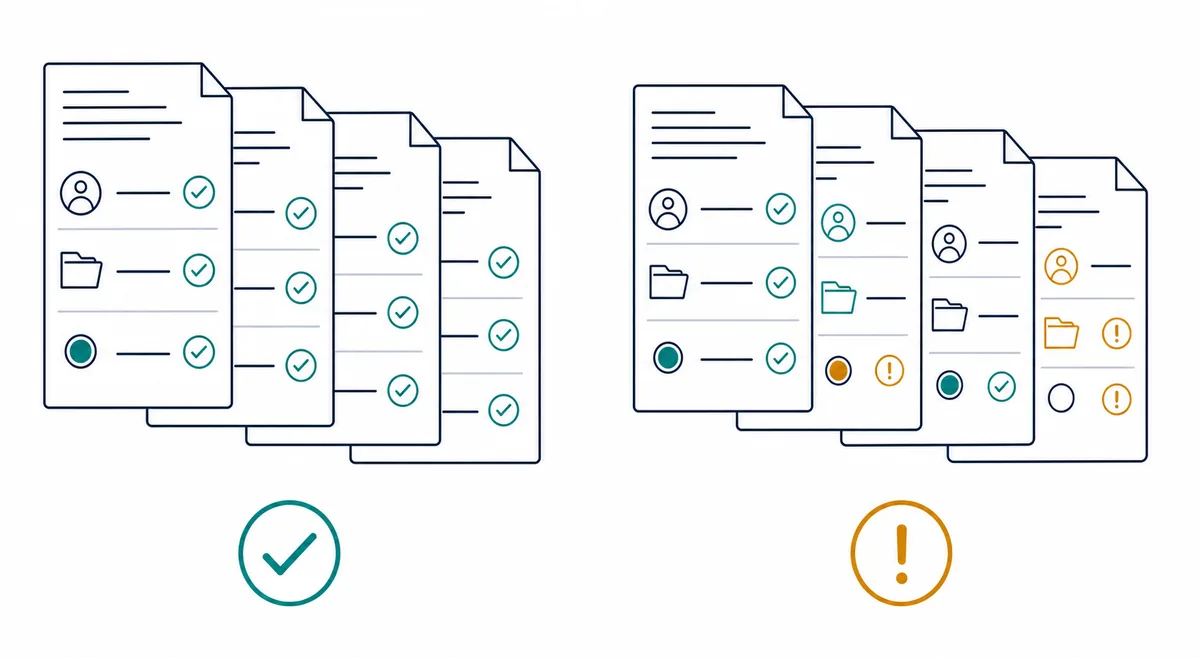
Identity beats completeness
When checking a generated ACF, verify the AppID and install folder first. A short, honest starter file is safer than a detailed file populated with guessed build or depot values.
How to Use the AppManifest Generator Safely
Treat the generator as a small file-preparation tool, not as a background repair service. The browser can create and download the text file locally, but it cannot see your Steam account, verify your entitlement, or know whether a folder on another drive is complete. Those checks must happen on your machine and inside Steam.
If you already have a matching appmanifest file, copy it to a backup location before generating anything new. If Steam is downloading, unpacking, updating, or verifying the game, pause the operation and exit Steam completely before changing local metadata. A client that is still writing can overwrite the file or capture a half-finished state.
- 1. Confirm the exact AppID
Use the Steam store URL, a trusted AppID lookup, or the AppID Finder on this site. Separate the base game from DLC, demos, tools, soundtracks, and test apps.
- 2. Confirm the library root
Find the Steam library that contains the real game directory. The ACF belongs directly inside that library's steamapps folder, while the installed payload usually sits below steamapps/common.
- 3. Enter only known values
Use the AppID, display name, install directory, and other values you can verify. Leave uncertain build or depot fields for Steam to refresh instead of guessing.
- 4. Download and inspect the text
Open a copy of appmanifest_<AppID>.acf in Notepad or VS Code. Check that the filename, appid, name, and installdir agree before moving it anywhere.
- 5. Back up and place carefully
Exit Steam, preserve any existing ACF, and place the generated file only in the matching library's steamapps directory. Never bulk-delete other appmanifest files.
- 6. Restart and verify
Start Steam and let it rediscover, validate, or update the record. If it targets the wrong folder or begins an unexpected download, stop and restore the backup before troubleshooting further.
Make one controlled change
A backup, a closed Steam client, and a verification pass make the workflow reversible. If a generated file causes an unexpected path or download, restore the original instead of adding more guessed fields.
Common Mistakes and Recovery Choices
Most AppManifest problems are identity or timing problems rather than formatting problems. A file can be syntactically readable and still point to the wrong AppID, the wrong edition, or a folder in another library. Steam can also show an Install button when the local record is missing even though some game files remain on disk.
Use the first safe check in the table before editing more values. In particular, do not delete a complete common folder simply because Steam does not recognize it yet. Preserve evidence, confirm the library, and let Steam attempt discovery or verification in the same path.
| Symptom | Likely cause | First safe response |
|---|---|---|
| Steam shows Install while files exist | Missing ACF or the wrong library is selected | Confirm the common folder and matching appmanifest in the same steamapps directory |
| The title looks right but the folder is wrong | The install directory was guessed or copied from another PC | Stop, compare installdir with the real folder, and restore the backup |
| Steam starts a very large download | The recorded state is stale or the files do not match | Pause, preserve the files, and choose the existing folder before verification |
| A DLC or demo appears instead of the base game | The AppID was selected from the wrong store entry | Recheck the store URL and use the exact AppID |
| Steam rewrites the generated file | The client refreshed local metadata | Treat the rewrite as expected and inspect the new values after verification |
| A file came from a random mirror | The content may be stale or mismatched | Prefer a locally generated starter and compare every identity field |
AppManifest Generator, Finder, or File Guide?
The phrase Steam manifest generator is broad. Some readers mean an appmanifest ACF starter file; others mean a depot manifest, a Lua package, or a search tool. Keeping those intents separate makes the next step clearer and avoids mixing local Steam metadata with downloadable content records.
Use the page that matches the job you are doing now. The AppManifest Generator is for preparing a local ACF text file. The Manifest Finder is for checking whether a package exists. The file guide explains location and repair symptoms, while the Steam Manifest Downloader is for an available manifest package rather than a local ACF starter.
| Your task | Best next page | Why |
|---|---|---|
| Create appmanifest_<AppID>.acf | AppManifest Generator | Produces a readable local starter file from known values |
| Find a game number | AppID Finder | Reduces base-game, DLC, demo, and edition mix-ups |
| Check package availability | Steam Manifest Finder | Answers whether a supported package exists before download |
| Understand location or missing-file symptoms | Steam AppManifest File Guide | Explains steamapps paths, fields, and recovery order |
| Download an available manifest package | Steam Manifest Downloader | Matches package-download intent instead of local ACF creation |
| Work with depot-level IDs | SteamDB Manifest ID Guide | Separates AppID, DepotID, and ManifestID |
Do not mix file types
An appmanifest ACF, a depot manifest, a Lua script, and a ManifestID solve different problems. Choose the page that matches the artifact you actually need.
Limits You Should Not Ignore
A generated ACF cannot transfer a Steam license, bypass account checks, recreate missing depot content, or guarantee that a copied library is healthy. It also cannot prove that an AppID is the right edition just because the name looks familiar. Those decisions belong to Steam, the store record, and the actual files on disk.
Steam may rewrite appmanifest fields after launch, verification, library registration, or an update. That is normal. Values such as buildid, InstalledDepots, LastUpdated, and SizeOnDisk describe local state and may change over time; they should not be presented as an authoritative current release record.
If the generator does not solve the problem, preserve the original file and move up one level in diagnosis: verify the library root, check permissions and free space, confirm the AppID, and let Steam discover or verify the existing folder. For depot downloads or SteamTools packages, use the dedicated guide and keep the AppID boundary clear.
Verification is the finish line
The output is successful only when Steam recognizes the intended app and validates the intended files. A clean text file by itself is not proof of a repaired installation.
AppManifest Steam Generator FAQ
Official and technical references
- Steamworks Documentation — Applications and Depots — Valve's official background on Steam applications, depots, and content organization.
- Steamworks Documentation — Building and Publishing — Official context for SteamPipe builds, depots, manifests, and release metadata.
- Valve Developer Community — Add Non-Steam Game Files to Steam — Community technical reference for adding local files and understanding Steam library behavior.
Continue with the matching Steam workflow
Use the generator for a local ACF starter, the AppID Finder for identity, and the existing guides for file locations or depot-level downloads.
Last updated: August 2, 2026
Open AppManifest Generator