Steam Manifest Generator Games Not Downloading? 7 Safe Checks
First identify whether the failure is in a Steam client download, an AppID lookup, or local library recognition.

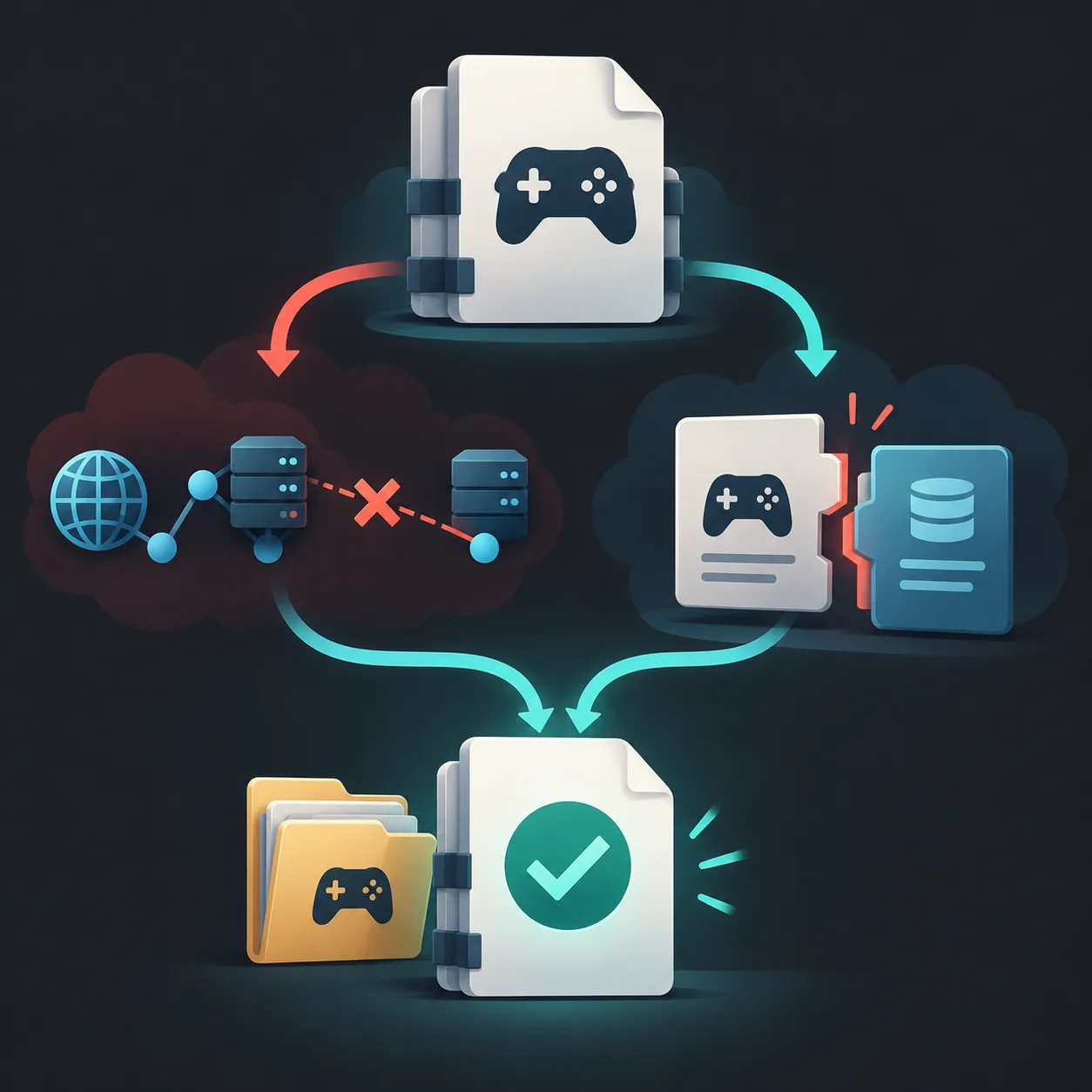
The search "steam manifest generator games not downloading" can describe three separate issues. First locate where the message appears: inside Steam during a download, on a generator after an AppID search, or beside Install while files remain on disk.
This guide matches each symptom to a low-risk check. It does not promise a package exists, recommend disabling protection, or treat local library recognition as a missing online manifest.
Steam manifest generator games not downloading: identify the failure
For "steam manifest generator games not downloading," the first diagnostic is the screen that displays the message: Steam, the generator, or the local library. Note the wording before changing anything.
A client error concerns content retrieval; an empty generator result concerns its lookup source; Install beside existing files usually concerns the local library. Start with the matching row.
| What you see | Likely area | Start with |
|---|---|---|
| Steam shows Manifest Unavailable | Client download or update path | Compare one title with other downloads |
| Generator returns no package | AppID, edition, source coverage | Verify the app and read the availability message |
| Steam shows Install; files remain | Local library recognition | Confirm the registered library path |
Keep the branches separate
A client error does not prove another source has a package, and a lookup result does not diagnose Steam's download service.
Check the AppID, edition, and ownership context
Verify the numeric AppID on the Steam store page or with the AppID Finder. Similar names may refer to a base game, demo, soundtrack, server, or DLC, each with a different app identity.
Check the edition or branch and whether the normal account can access it. Change one input at a time. A correct ID with no result usually means the source has no matching record, not that another archive will work.
| Check | Why it matters | Low-risk action |
|---|---|---|
| Edition | Similar names can have different app IDs | Check the Steam store entry |
| AppID | A wrong digit points to another app | Copy the numeric ID from Steam |
| Access and source | Lookup does not grant entitlement or guarantee coverage | Read the tool's availability note |
Confirm the app identity
A title match alone is not enough when Steam lists a demo, DLC, or other separate app.
When a Steam manifest generator returns no result
No result means that request found no matching package in that source at that time. Coverage varies; it says nothing about Steam's normal download path or whether another site has a file.
Read the exact status: invalid AppID, unsupported app, unavailable record, and temporary error differ. Never send a password, Steam Guard code, session cookie, or API credential to an unexplained page.
If a result appears, check that its app identity and related files agree. The comparison below shows how a mismatch can resemble a download failure.
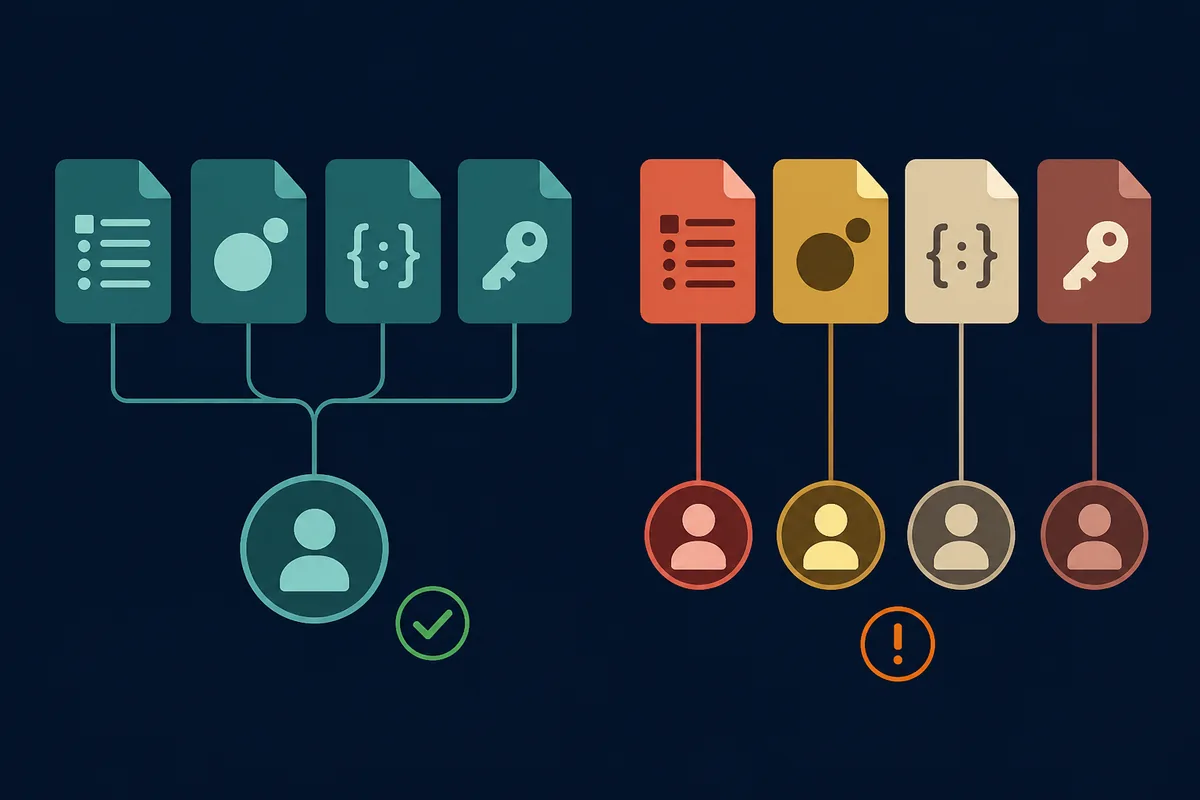
A missing result is not a file guarantee
Use the source's availability message; do not assume a mirror or different AppID is a valid substitute.
When Steam shows the Manifest Unavailable error
Manifest Unavailable appears in Steam's download or update flow, not when a third-party lookup returns no record. Note the title, install versus update, exact wording, and time.
Compare other downloads. Several titles failing suggests a shared client, network, or service condition; one title points toward that app or branch. Avoid changing several settings together.
| Pattern | What it suggests | What to compare |
|---|---|---|
| Several games fail | Shared client, network, or service condition | Another entitled download |
| One game or branch fails | Title or content-specific condition | The app, branch, and other content |
| Files remain; Steam shows Install | Local library recognition | Registered library path |
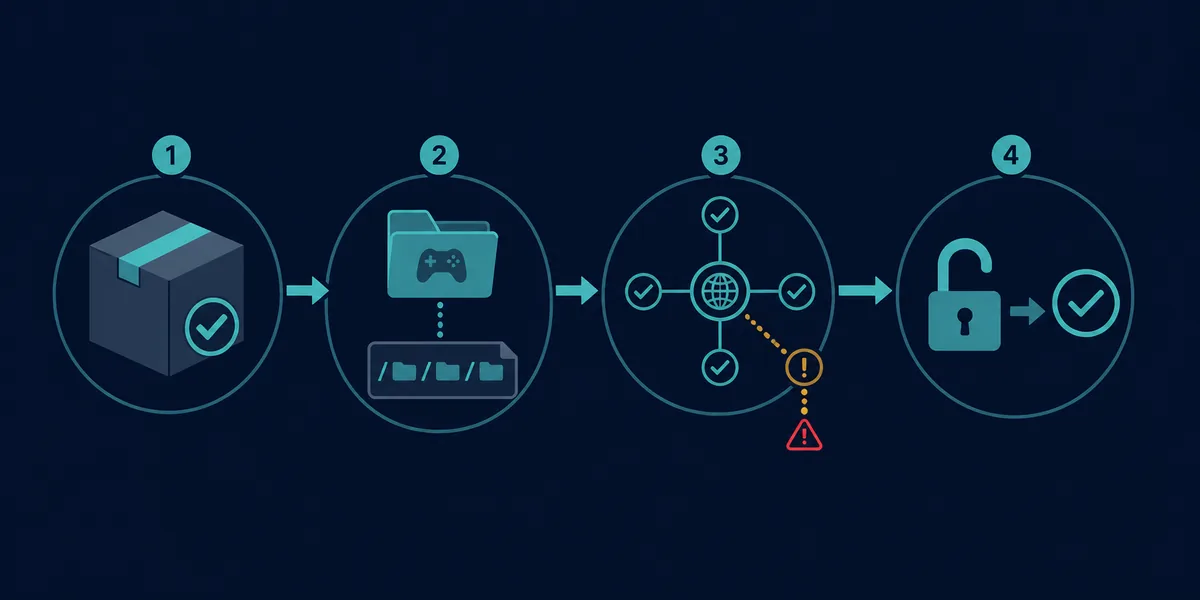
Use the symptom pattern
One title failing and several titles failing call for different checks.
Try safe Steam client checks in order
Use these for a Steam client download or update error, not for a generator's missing source data. Stop when a check works and undo temporary settings that made no difference.
- Restart Steam normally
Pause the item, choose Steam's Exit command, reopen the client, and retry once.
- Compare another download
Test a small item your account can access; note whether more than one title fails.
- Check download region
Try one nearby region once, then restore your usual setting if nothing changes.
- Review the cache prompt
Use Steam's cache control only if you can sign back in and complete normal verification.
- Check storage and library
Confirm free space and the registered library. Do not move steamapps during a download.
- Compare a trusted network
If allowed, test once and restore proxy or VPN settings. Keep firewall and antivirus enabled.
Change one thing at a time
A single reversible check makes the result easier to interpret.
If only one game fails, check its branch and library state
If other downloads work, check the affected item's branch and type. A beta, DLC, soundtrack, Workshop item, or runtime may differ from the base game.
If files remain but Steam shows Install, confirm the registered library and use Steam's scan or verify flow. Do not delete an appmanifest to force a rescan; back up before inspecting local files.
Installed is not the same as downloadable
A local library issue and a failed content download need separate diagnosis.
Avoid risky fixes and false conclusions
Keep firewall, antivirus, and endpoint protection enabled. Use an approved allow-list or ask the device administrator if you suspect a block.
Do not run forum commands without understanding what they reset, delete steamapps or appmanifest files as a first step, or share account credentials with a manifest site.
A cache reset cannot correct a wrong AppID or create missing source data. Manifest tools do not grant Steam ownership; use official account and support options for access problems.
Protect the account and library
Prefer reversible checks and official support; do not weaken security or delete local records.
Choose the right next step
For a Steam client error, use the checks above and official Steam Support. For an empty generator result, verify the AppID and read the tool's availability notice.
If you arrived from a "steam manifest generator games not downloading" search, use the message location to choose the next step. The AppID Finder identifies an app, Manifest Finder checks availability, and the Downloader opens the site's package workflow. SteamTools import issues have a separate guide.
Follow the matching branch
Choose the next step based on whether Steam, a generator, or the local library produced the error.
Steam Manifest Download Troubleshooting FAQ
Official references
- Steam Support — Official entry point for client, download, and account help.
- Steamworks: Applications and Depots — Developer reference for app and depot organization, not user download access.
Continue with the matching guide or tool
Identify the app, check availability, or open the downloader as needed. Keep Steam client and local library errors on separate paths.
Last updated: October 23, 2026
Open official Steam Support